

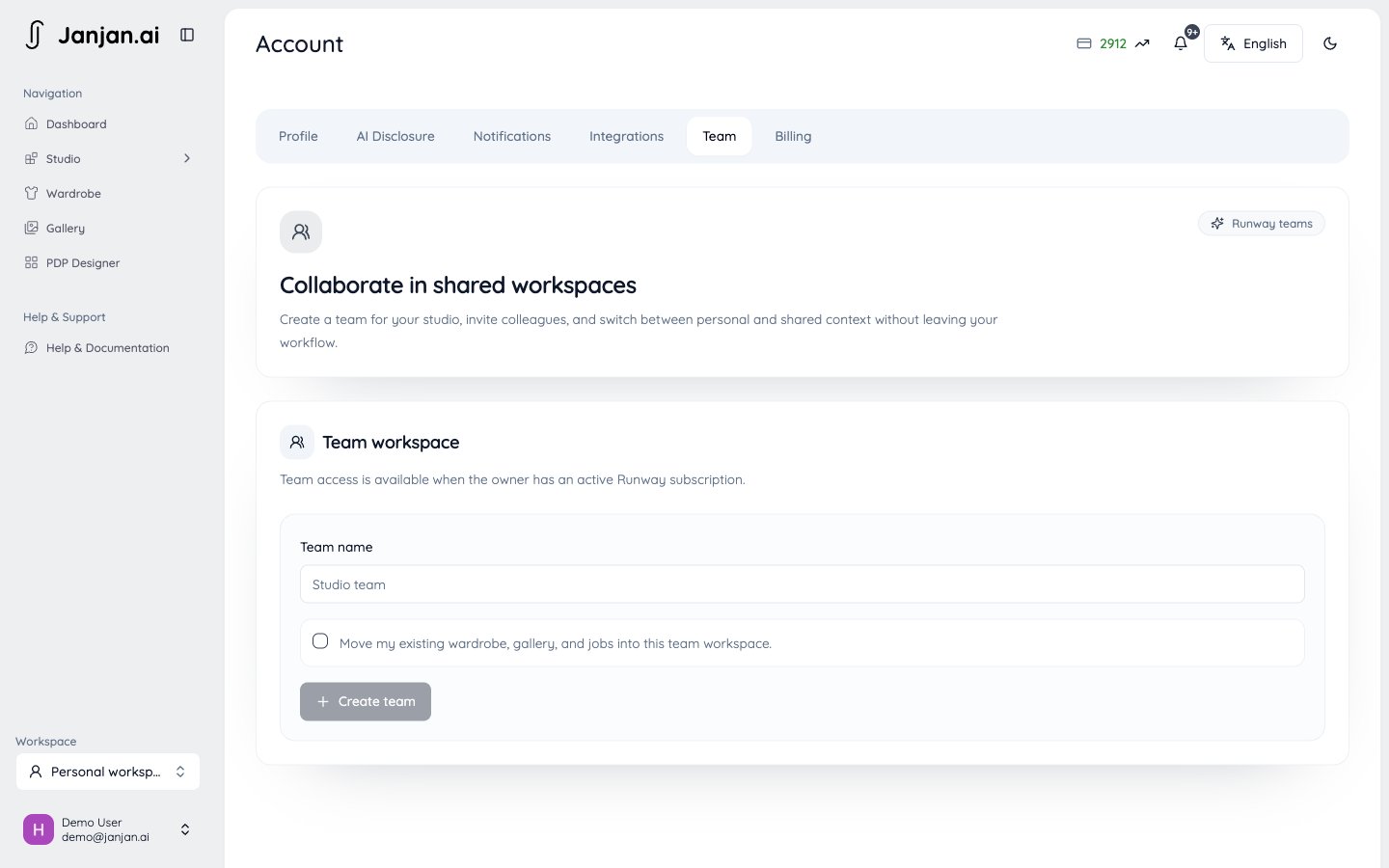
Team workspaces are part of the Runway plan. The workspace owner needs their own active Runway subscription.
Invite members
1
Open Settings > Team
Only the workspace owner can send invitations.Open Team settings
2
Send an invitation
Enter the member’s email address. The invitation is valid for 7 days.
3
The member accepts
The member must accept with the same email address the invitation was sent to.
How credits work in a team
- When you switch into a team workspace, the balance you see is the owner’s credit pool.
- Generations in the workspace use the owner’s credits. Each member’s usage is recorded, so the owner can see who used what.
- Members’ personal credits stay separate and aren’t used in the team workspace.
- Members can use the owner’s plan features, but can’t see the owner’s billing details.