

Find results
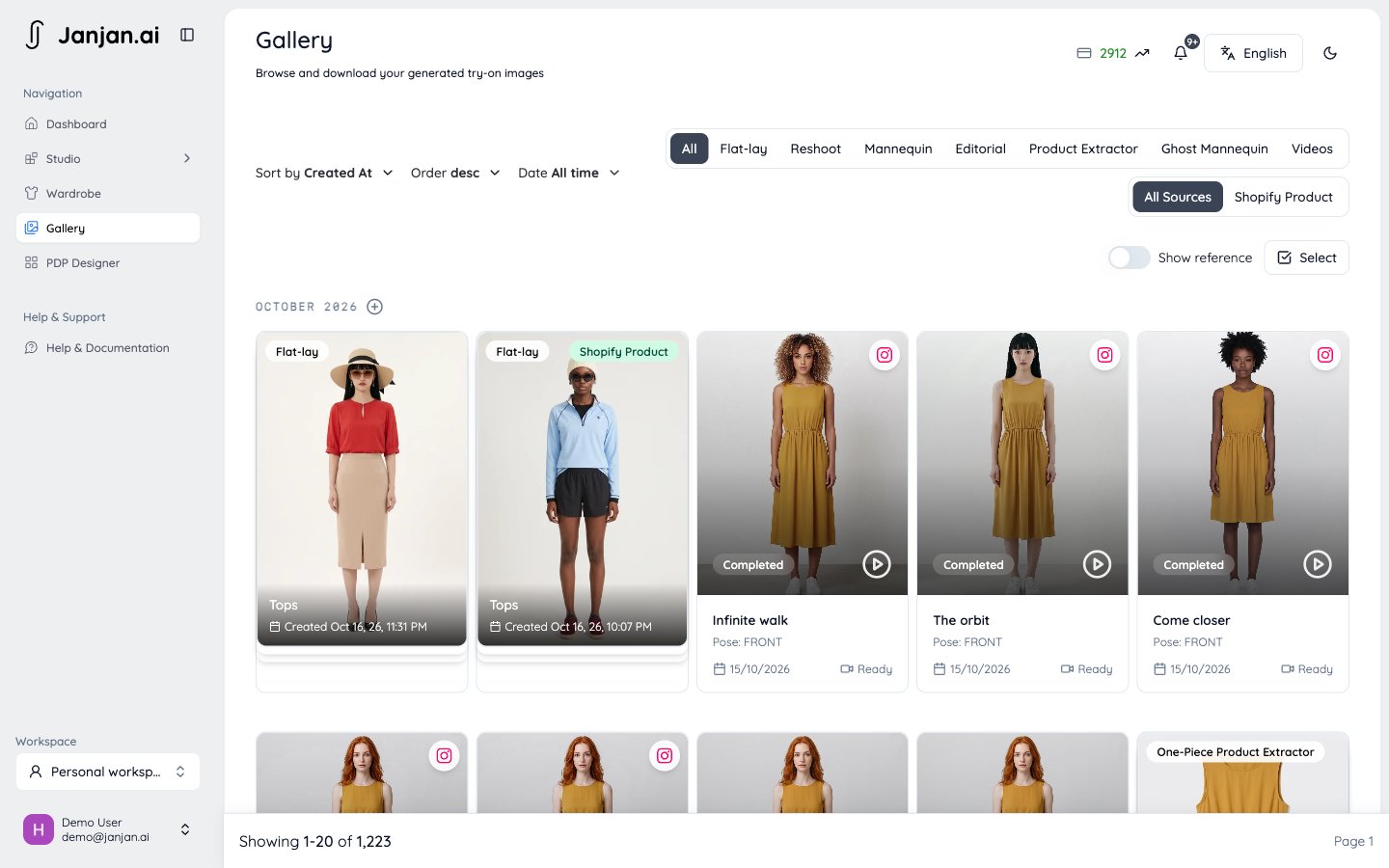
- Type: All, Flat-lay, Reshoot, Mannequin, Editorial, Product Extractor, Ghost Mannequin, or Videos.
- Source: All sources, or only results made from Shopify products.
- Month: results are grouped by month, and you can jump to a specific month.
- Sort: by date created or date updated.
Work with a result
Open any result to see all its poses and the actions below. What you can do depends on your plan and, in a team, on your role.Download
Download
Download the current pose or all poses as a ZIP. HD is available on every plan, 2K upscaled downloads from the Showroom plan, and 4K on Runway.
Retry, add poses, or try another model
Retry, add poses, or try another model
Retry any pose that failed. Add another pose creates more poses with the same settings, and Try with another model reuses the garment with a different model.
Edit the image
Edit the image
Change, relight, regrade, crop, or touch up a finished image, and keep an edit history so you can go back to an earlier version. See Edit images.
Request a studio retouch
Request a studio retouch
Ask our retouching team to fix details in a photo by hand, such as hands, a print, or the garment colour. See Studio retouch.
Comment
Comment
Pin comments to a spot on the image, reply in threads, and resolve them when they’re done. Useful for reviewing with your team.
Create a video
Create a video
Turn a flat-lay or mannequin result into a Short Video.
Publish to Instagram
Publish to Instagram
Post images as feed posts or stories, and videos as stories or reels. See Instagram.
Sync to Shopify
Sync to Shopify
Add the result to the original Shopify product, or create a new product. See Shopify.
Rate quality or report a problem
Rate quality or report a problem
Tell us how a result turned out. You can review your past feedback in Gallery.