

1
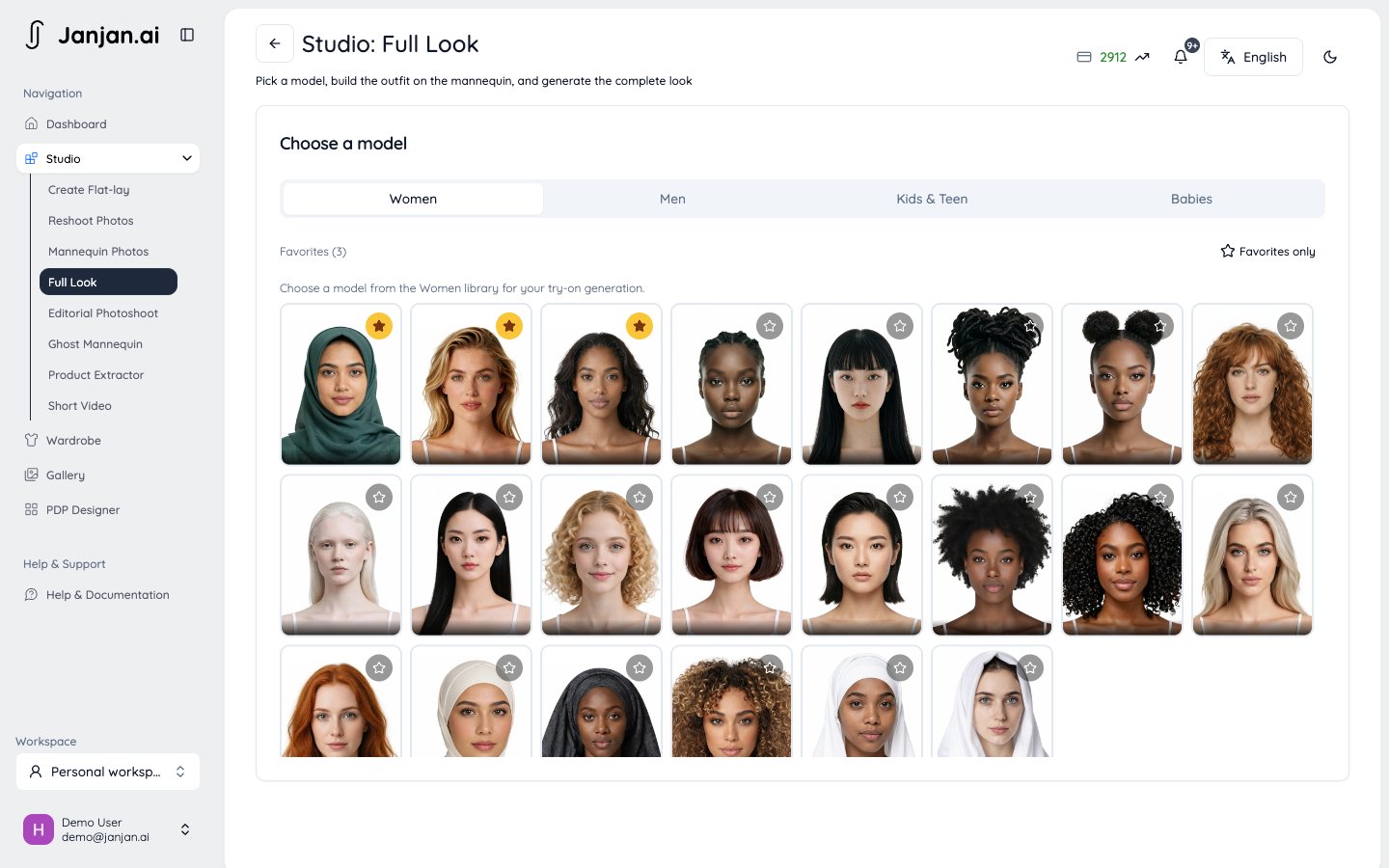
Choose a model
Set the body type and expression.
2
Build the outfit
Fill any of these slots from the Janjan catalog or your Shopify products: headwear, eyewear, earrings, outerwear, top, bottom, dress, and footwear. Mark one item as the featured product, the item you’re selling.
3
Pick poses and the camera
Choose the poses. On the Angle tab, set the camera rotation, tilt, distance, lens, and height, or let each pose use its own camera.
Full Look is available from the Fitting Room plan. Using Shopify products other than the featured product requires Runway.